

Get Many more Features
GroupWise Video Conferencing Add-on
NETCB's GroupWise Video Conferencing Add-on for OpenText GroupWise will allow a user to schedule a Video Conferencing enabled meeting from within the GroupWise Windows client. This Add-on for GroupWise will work with GroupWise version 2014 and onwards, although it is recommended to use OpenText GroupWise 18.3.1 or later.
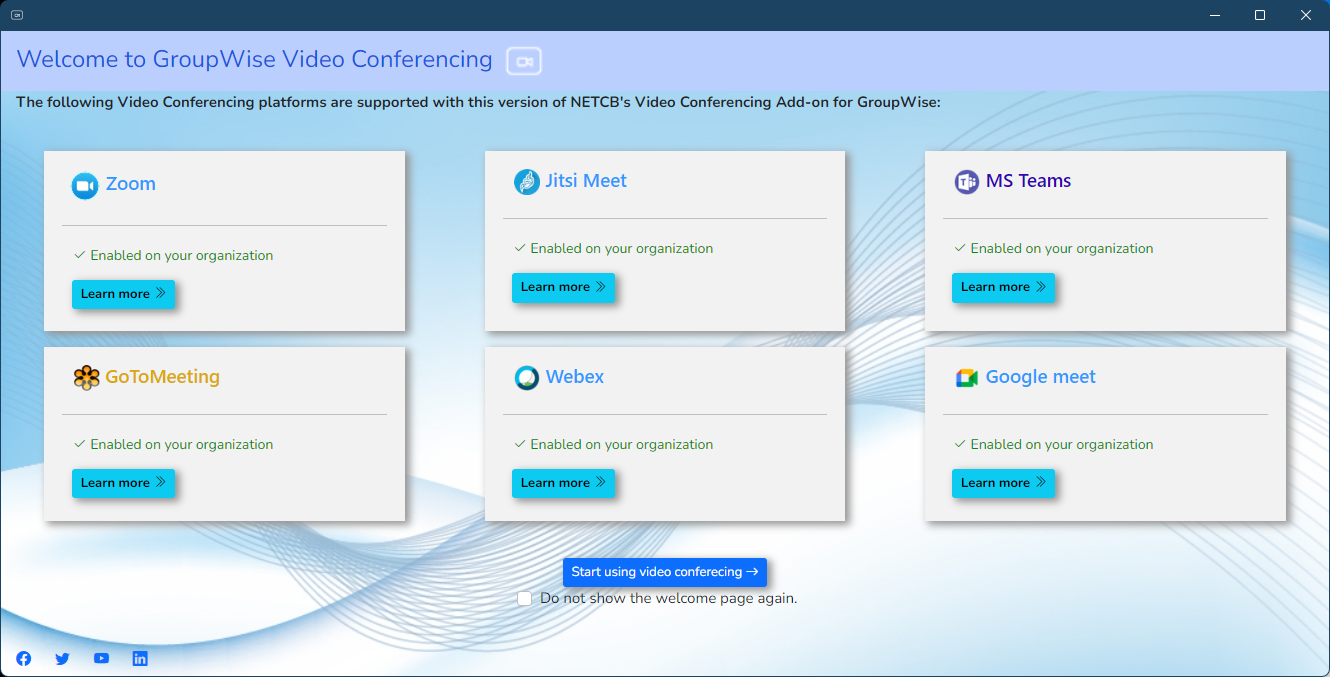
The GroupWise Video Conferencing Add-on from NETCB supports the Video Conferencing Platforms as indicated in the banner image above. More platforms will be added over time.
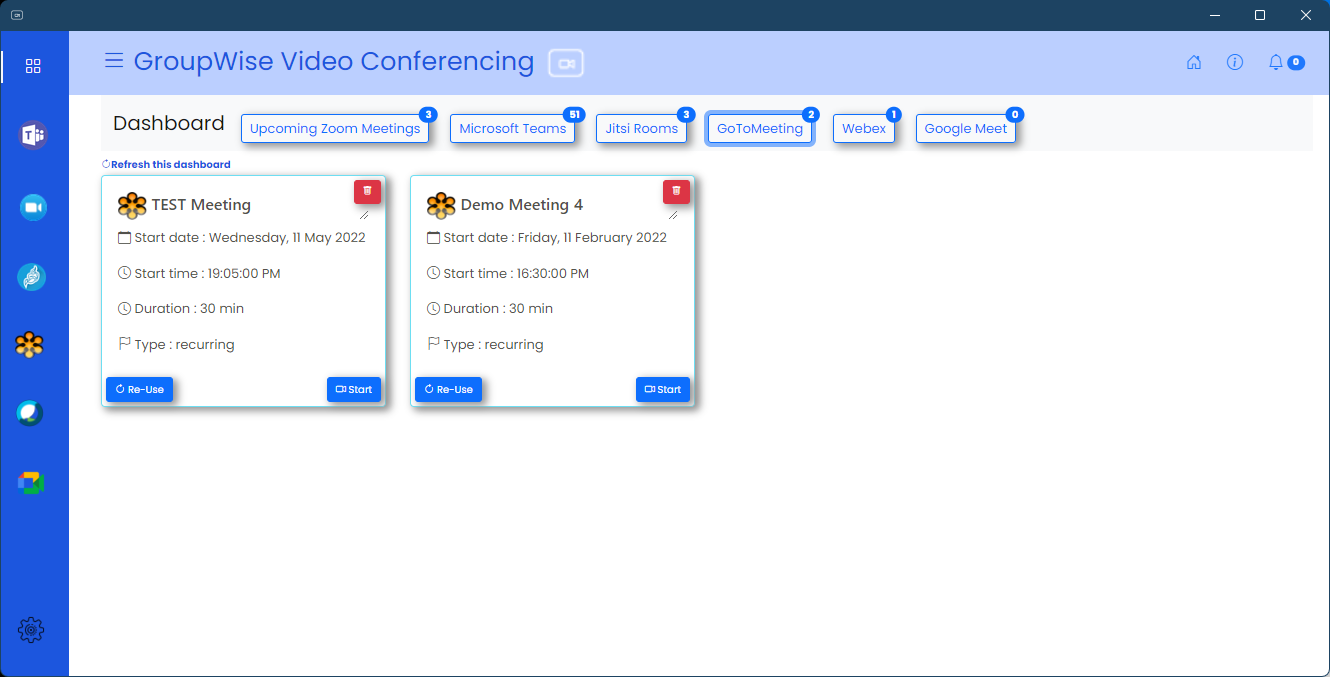
The Dashboard
The Video Conferencing Add-on provides you with a Dashboard from where you can see upcoming or recently scheduled meetings. You can also launch your Video Conferencing Meetings from this dashboard.
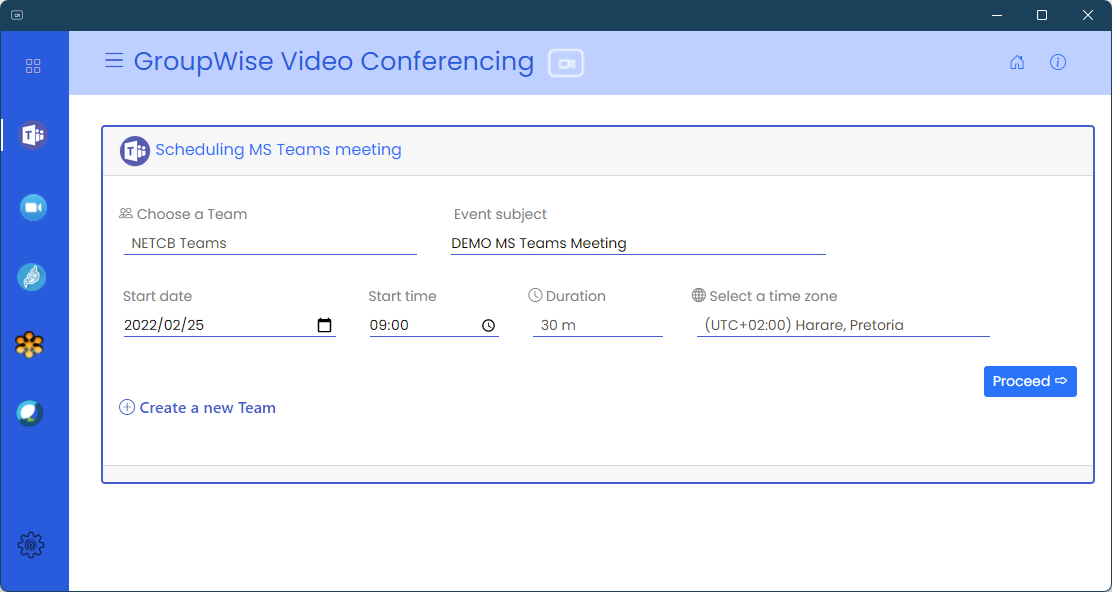
Scheduling of a Meeting
You can schedule a meeting using any of your favourite video conferencing platforms from our Add-on.
Completing your scheduled meeting
Once the meeting has been created on the Video Conferencing platform, you merely need to add the attendees for the meeting that you select from your GroupWise Address Book or external parties. You can also add attachments to your meeting request that will be created in OpenText GroupWise.
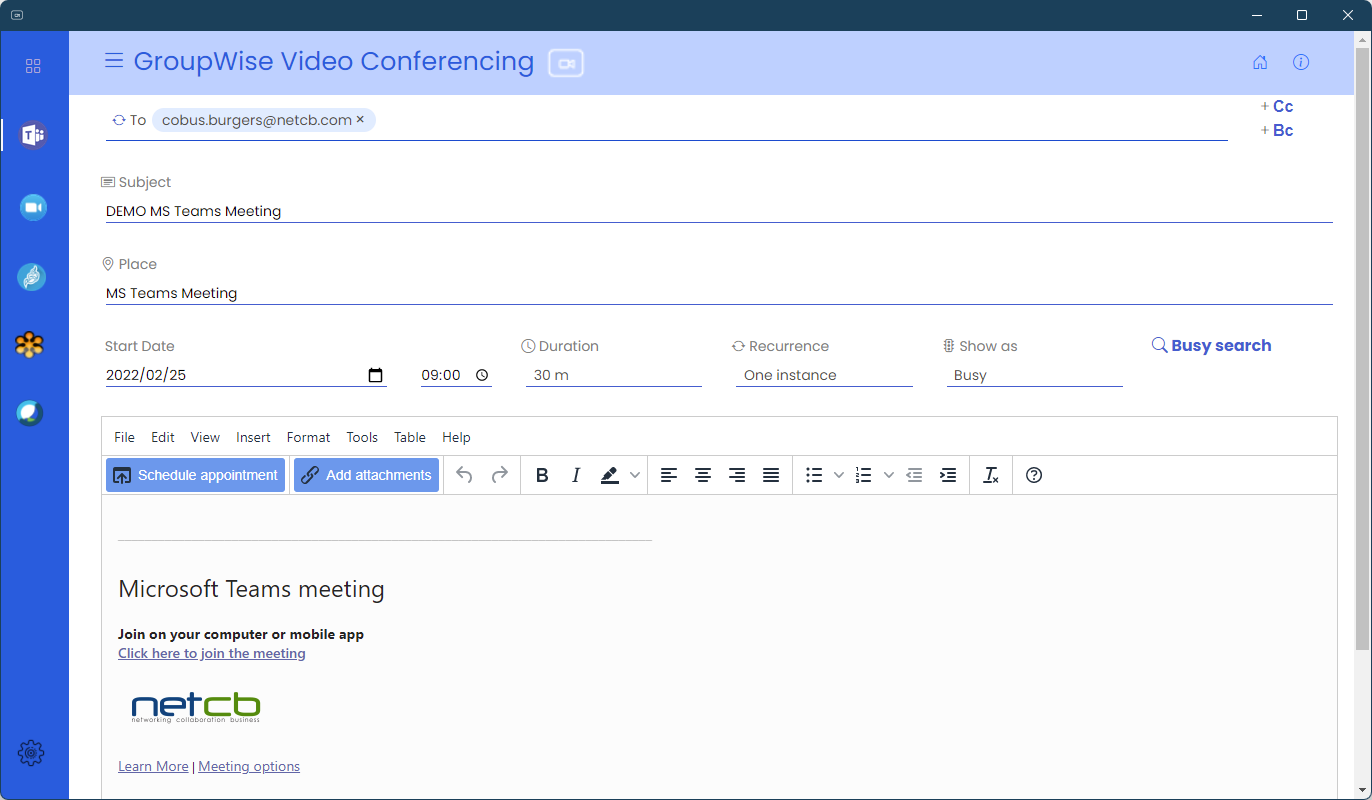
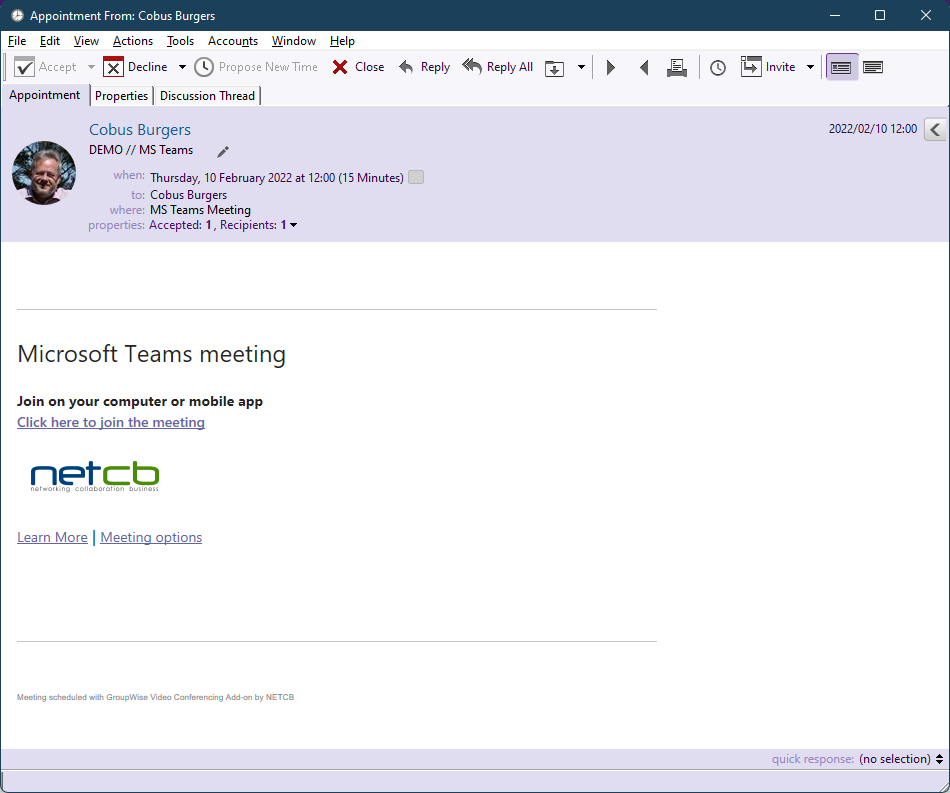
Meeting in GroupWise
Once the meeting has been scheduled the appointment will appear in your GroupWise calendar, including the calendars of the individuals you have invited to the meeting.
This appointment in GroupWise can then be used to start a video conferencing meeting from any device or platform by merely clicking on the conferencing links provided within the appointment.
Contact us today and let's do